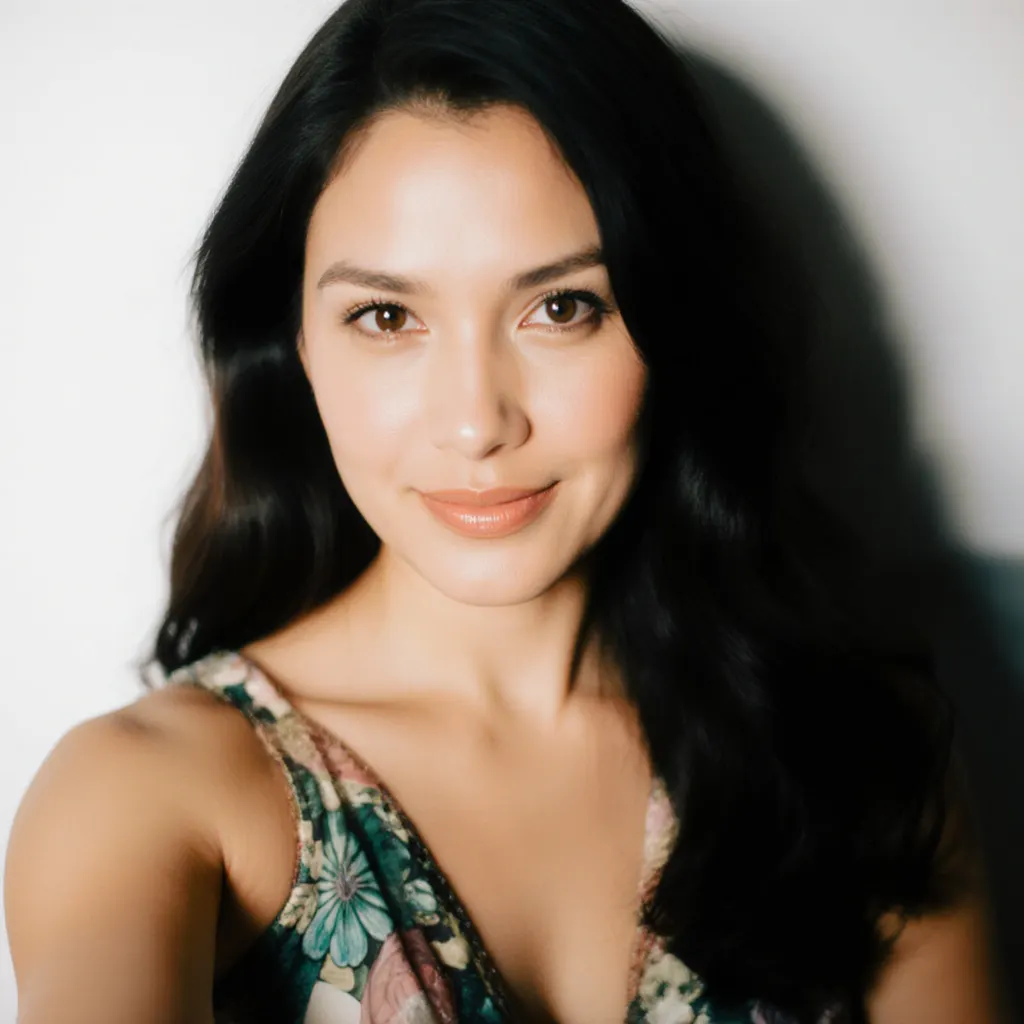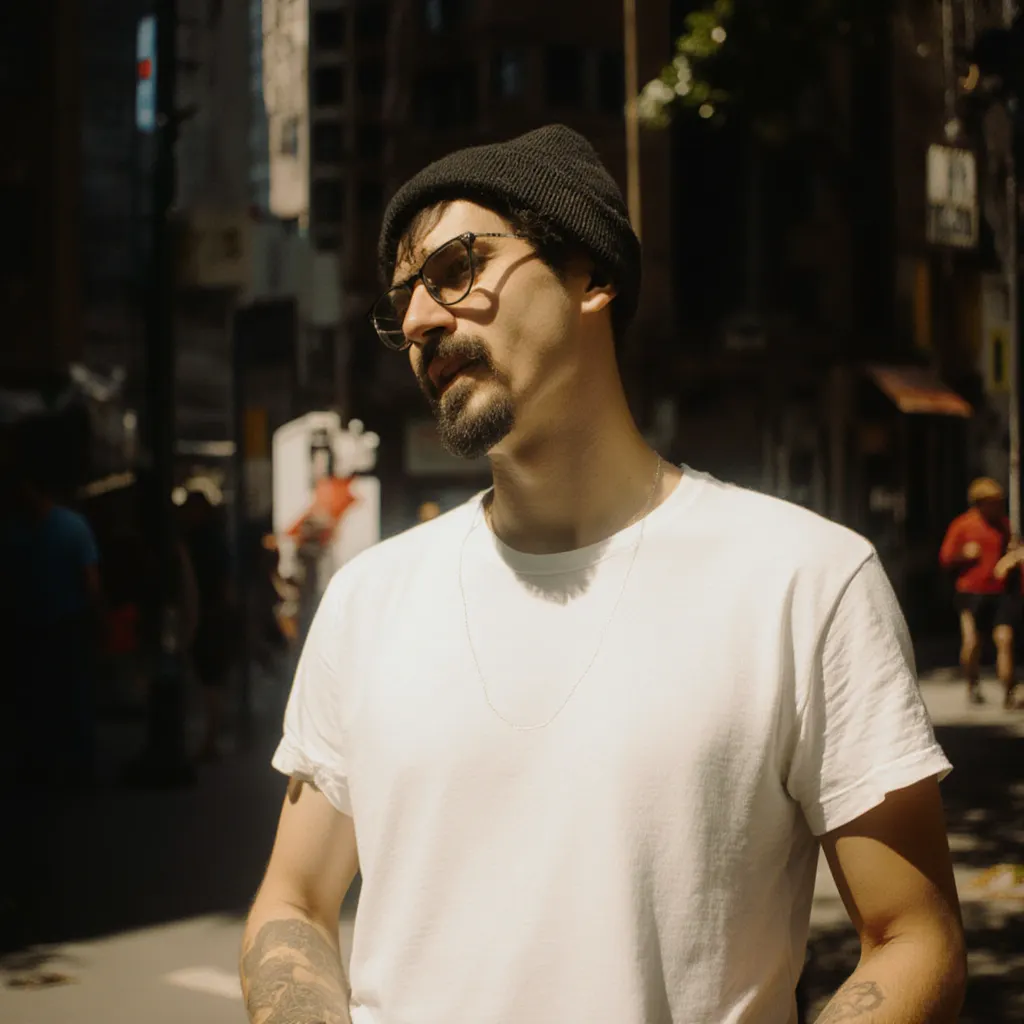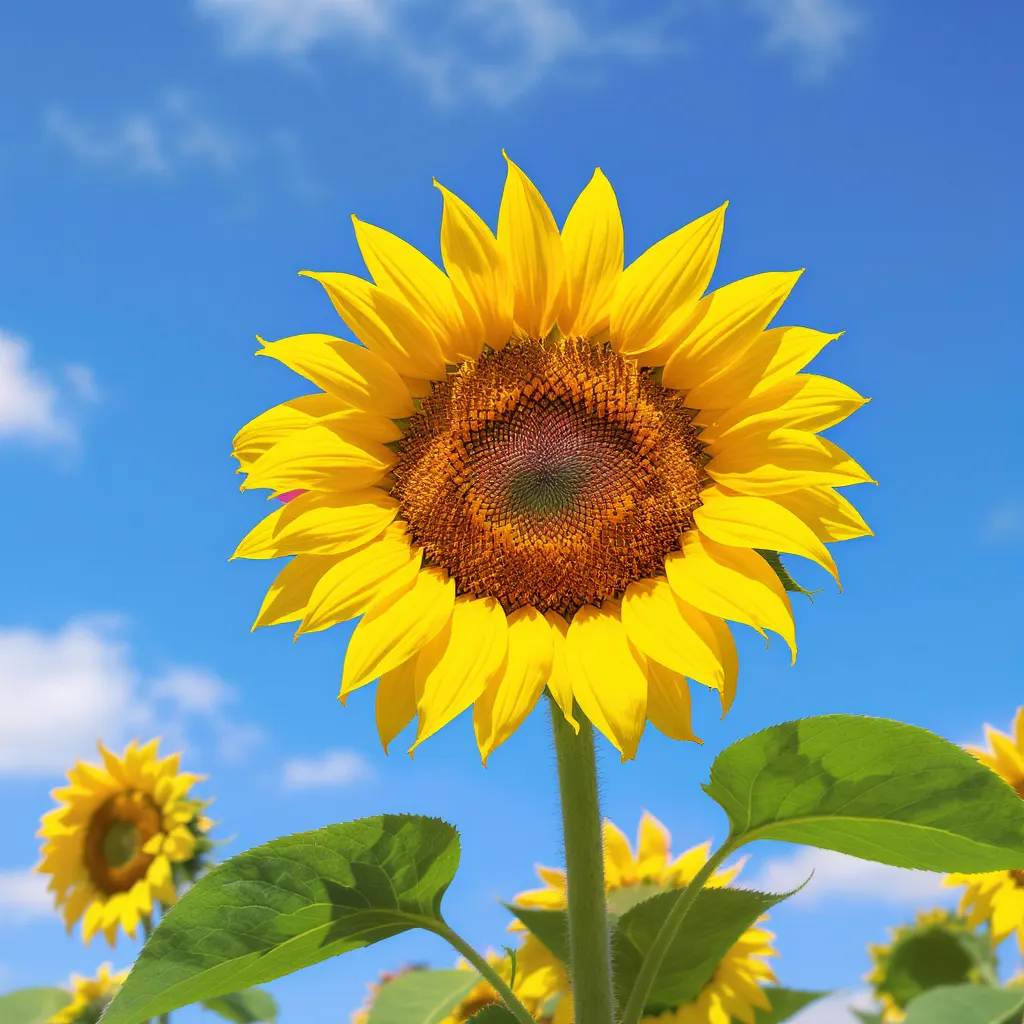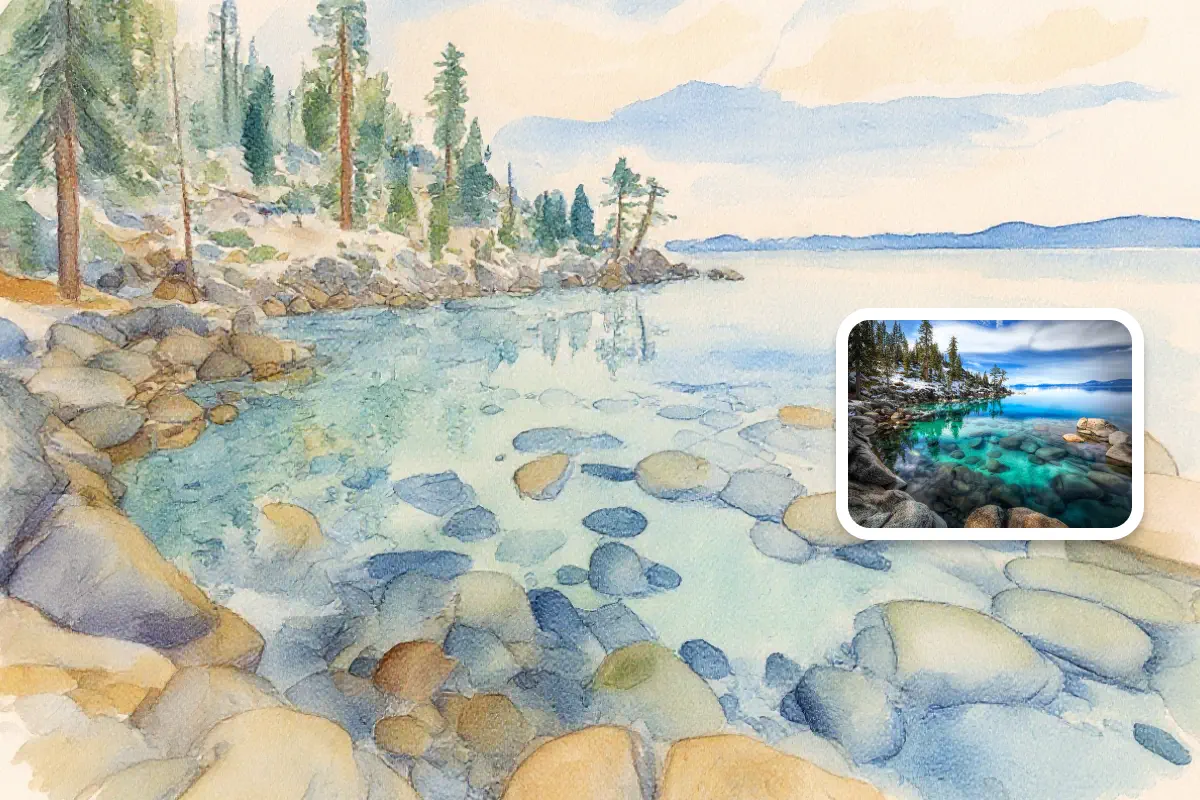
Transform Photo into Painting

Experience the magic of turning ordinary photos into extraordinary painted artwork with advanced AI brushwork technology.
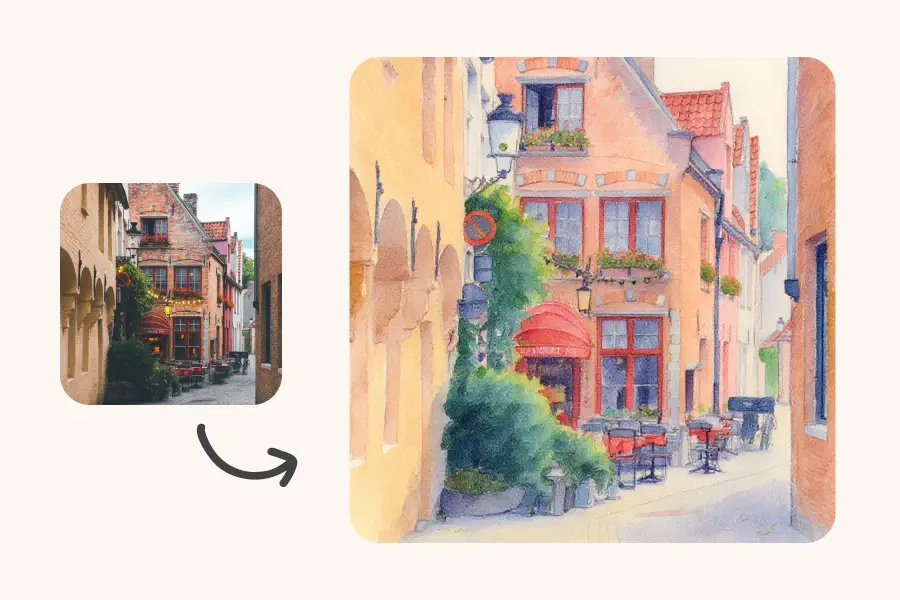
Watercolor Painting - Picture to Drawing Style Preview

Watercolor Painting

Drop an image here or click to upload

JPG, PNG, WEBP, HEIC

Or try with sample pictures:
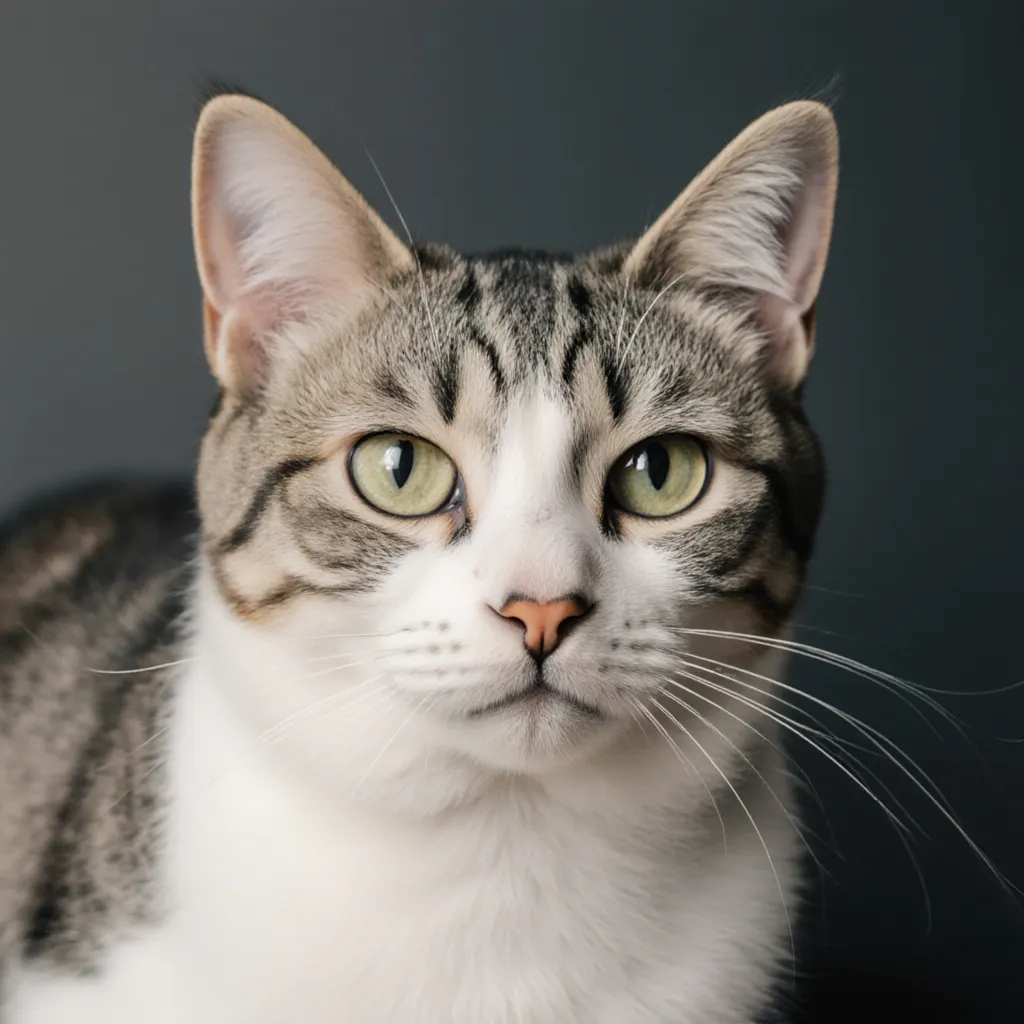
Sample 1
Sample 2
Sample 3
Sample 4

Ratio

Sign in to get free credits

Photo to Painting Examples

See how people transform their photos into artistic paintings for home decor, gifts, and creative projects.

photo to painting 1 - picturetodrawing.com

Custom Wall Art for Your Home

Turn your favorite vacation shots or family portraits into gallery-quality paintings. Creates unique decor that reflects your personal memories instead of generic prints.
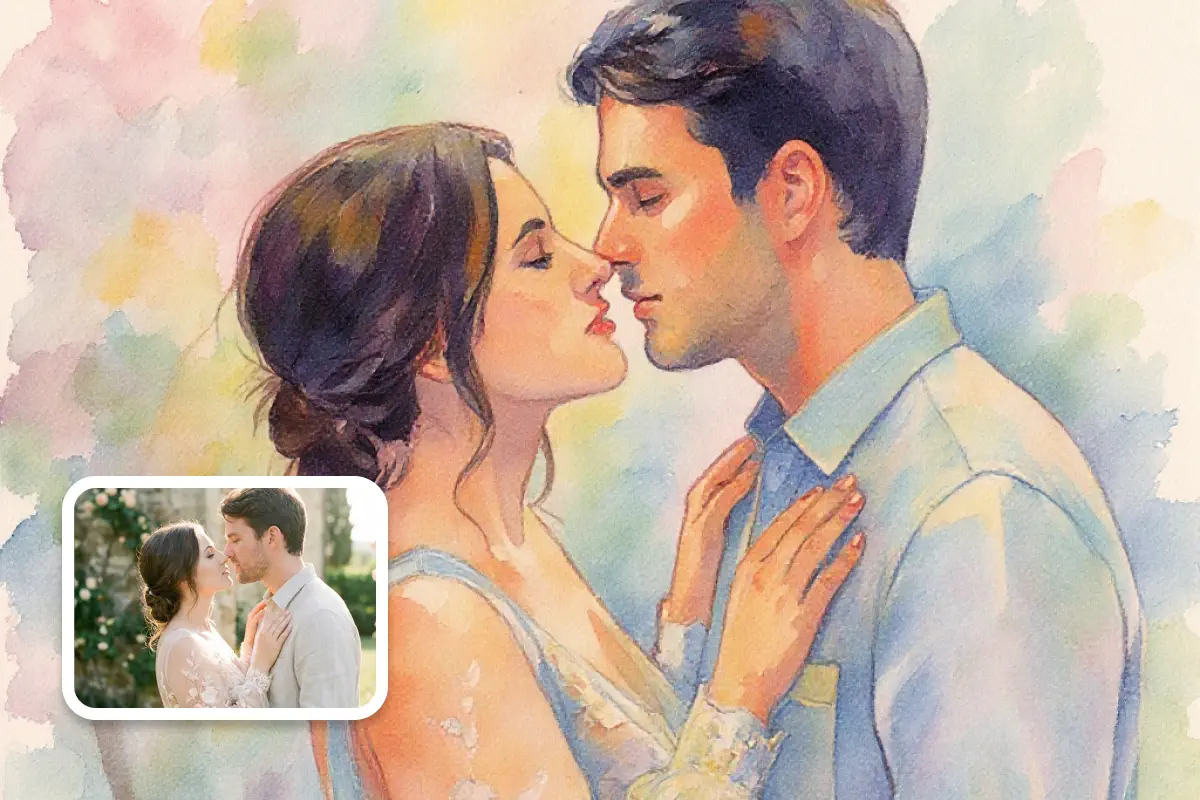
photo to painting 2 - picturetodrawing.com

Meaningful Gifts That Stand Out

Wedding photos, pet portraits, or cherished moments become one-of-a-kind painted gifts for anniversaries, birthdays, or memorials. Way more personal than anything you'd find in stores.
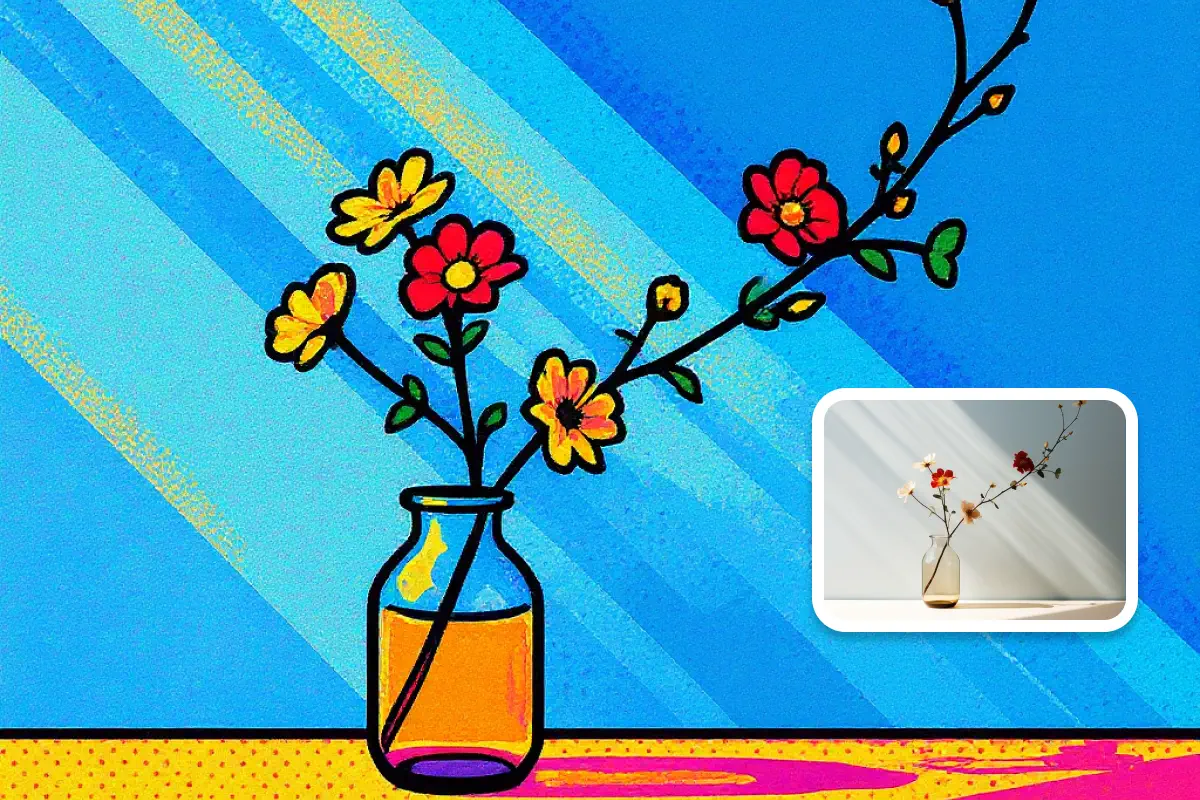
photo to painting 3 - picturetodrawing.com

Creative Projects Elevated

Designers and creators use photo to painting for book covers, album artwork, branding materials, or social content that needs an artistic edge beyond standard photography.

How to Transform Photo to Painting

Create professional-quality paintings from your photos in four simple steps.

Upload Your Photo

Drag and drop any JPG, PNG, WebP, or HEIC file. Portraits, landscapes, and clear subjects work best.

Select Painting Style

Pick from impressionist, watercolor, oil painting, or other artistic styles to match your vision.

Generate Painted Art

Our AI analyzes your image and recreates it as an authentic painting in under a minute.

Download High-Resolution Art

Save your photo to painting result in print-ready quality for canvas, frames, or digital use.

FAQ

Essential Questions About Photo to Painting Technology

Learn how AI-powered painting conversion works and what makes it different from traditional art commissioning.

Our neural networks train on thousands of classical and contemporary paintings to understand brushwork patterns, color blending methods, and texture application. The photo to painting algorithm doesn't just apply filters - it reconstructs your image using learned artistic principles that painters employ when working with physical media.

Images with strong composition, interesting light, and clear focal points yield the most impressive photo to painting results. Portraits, landscapes, still life, and architecture excel particularly well. While any image works, those with good contrast and resolution produce more detailed painted textures.

Yes. Our photo to painting converter offers diverse artistic styles including watercolor painting, oil painting, Van Gogh-inspired brushwork, pop art, and more. Each style brings its unique artistic interpretation - watercolor creates soft, flowing aesthetics while oil painting delivers rich texture and depth.

Most conversions complete within 30-60 seconds depending on server load and selected style. The AI works quickly to transform your image into painted artwork while maintaining quality. Processing happens automatically once you select your style and click generate.

You can upload JPG, PNG, WebP, and HEIC file formats. Our image to painting tool automatically processes these common formats without requiring any conversion on your end. Simply drag and drop or select your photo to begin the transformation.

Absolutely. You maintain complete commercial rights to all painted artwork generated from your original photographs. Use these creations for product sales, client commissions, merchandising, exhibition, or any commercial purpose without licensing restrictions or royalty obligations to our platform.

Begin Your Photo to Painting Journey Today

Join artists, decorators, and creative professionals transforming ordinary photographs into extraordinary painted masterpieces. Experience the fusion of photography and classical painting through intelligent AI technology.